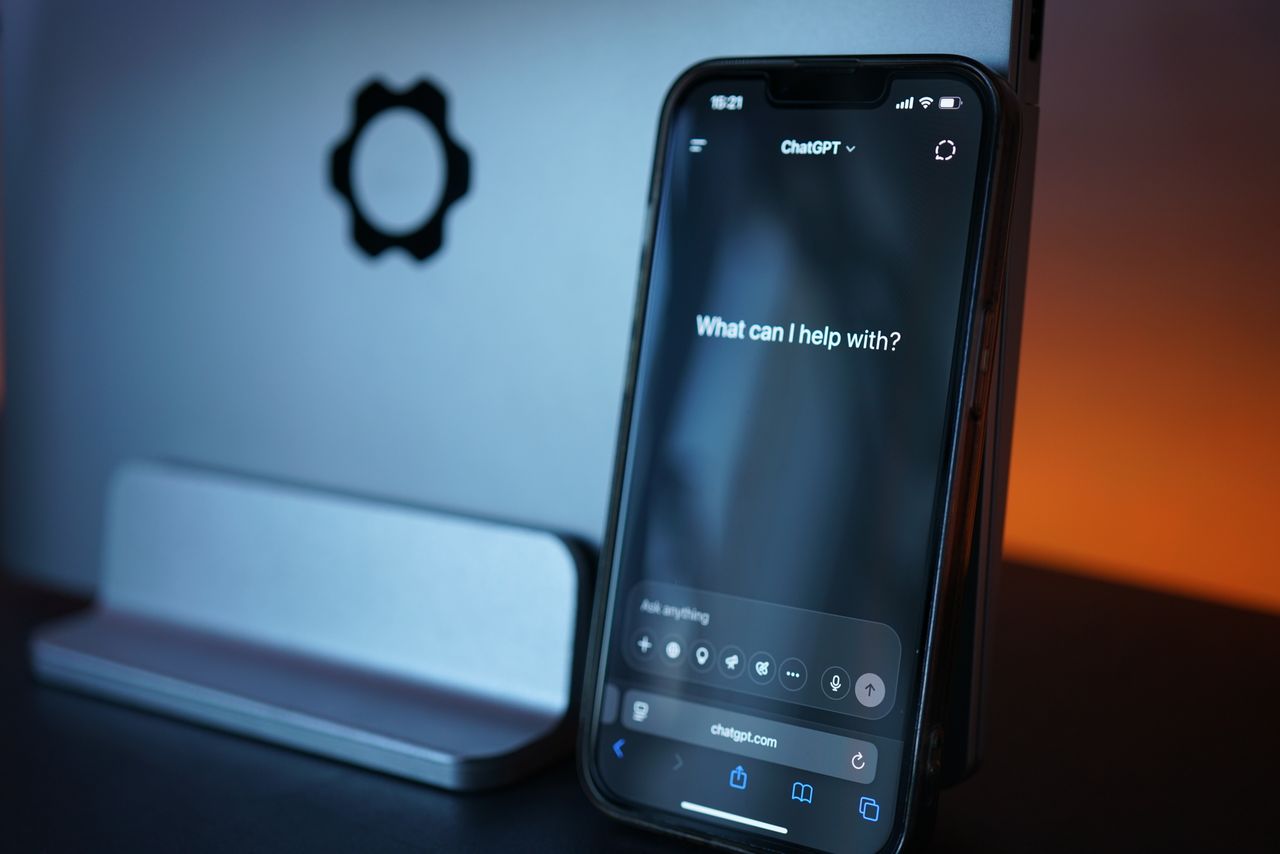
Most businesses have now tried a general-purpose AI chatbot. The results are impressive in a demo and frustrating in practice. Ask a public model about your refund policy, your product configurations or last quarter’s pricing change, and it either guesses or politely admits it does not know. The gap is not intelligence. It is knowledge. A chatbot can only answer well about your business if it can read your business’s information.
That is why the conversation has shifted from “which AI model should we use” to “how do we connect AI to what we already know.” Plenty of teams start by comparing tools, and a list of ChatGPT alternatives is a sensible first step. The bigger decision comes next: how to ground any assistant in your own content so its answers are accurate, current and safe to show customers.
What is a knowledge-grounded chatbot?
A knowledge-grounded chatbot is an AI assistant that answers questions using a company’s own approved content, such as help articles, policies, product documentation and past support tickets, instead of relying only on what a language model learned during training. It retrieves the most relevant passages first, then writes an answer based on them, often with a link to the source.
This approach is usually called retrieval-augmented generation, or RAG. It is the most practical way for small and mid-sized businesses to get reliable AI answers without training their own model.
Why do general chatbots give wrong answers about your business?
General chatbots fail on business questions for three predictable reasons:
- They have never seen your content. Your pricing, policies and product details are not in their training data.
- Their knowledge is frozen. Even public information they learned may be months or years out of date.
- They are built to sound confident. When a model lacks the facts, it often produces a plausible answer instead of saying “I don’t know.”
For customer-facing support, a confident wrong answer is worse than no answer. It creates refunds, complaints and lost trust.
How does a RAG-based assistant work?
A retrieval-based assistant follows a simple loop every time a user asks a question:
- Understand the question. The system turns the question into a search query.
- Retrieve relevant content. It searches your knowledge base and pulls the few passages most likely to contain the answer.
- Generate a grounded answer. The language model writes a response using only those passages.
- Show the source. Good assistants link to the article or document the answer came from, so users and support agents can check it.
- Hand off when needed. If no reliable source exists, the assistant says so and routes the conversation to a human.
Teams that offer generative AI development services typically design this loop around a company’s existing systems, such as a help center, CRM, SharePoint library or product database, rather than asking the business to rebuild its content from scratch.
What content should a business chatbot learn from?
The best starting sources are the ones customers and staff already rely on:
- Help center and FAQ articles
- Product and service documentation
- Pricing, shipping, return and warranty policies
- Onboarding guides and how-to videos with transcripts
- Resolved support tickets that show real questions and approved answers
Start narrow. A bot that answers 50 common questions accurately is more valuable than one that tries to cover everything and gets 20% wrong.
Why does data quality decide chatbot quality?
A knowledge-grounded assistant is only as good as the content it reads. If your help center has three versions of the same policy, the bot may quote the outdated one. If product data differs between your website and your ordering system, the bot will repeat the inconsistency to customers.
Before launch, businesses should:
- Remove duplicates and outdated pages so only one current version of each answer exists.
- Assign an owner to each content area, such as billing, shipping or product, who keeps it current.
- Mark sensitive content that must never appear in public answers, such as internal pricing rules or personal data.
- Set review dates so policies are checked on a schedule rather than when something goes wrong.
This is where AI projects meet data governance. Many companies bring in data governance consultants at this stage, because the rules that keep reporting accurate are the same rules that keep a chatbot’s answers accurate.
How do you keep a business chatbot safe?
Safety for a customer-facing assistant comes down to a few controls:
- Answer only from approved sources. Block the model from improvising when retrieval finds nothing.
- Respect permissions. Internal assistants should only show staff the documents they are allowed to see.
- Log every conversation. Review samples weekly to catch wrong or risky answers early.
- Make human handoff easy. Customers should reach a person in one step when the bot cannot help.
- Be transparent. Tell users they are talking to an AI assistant.
How do you measure whether the chatbot works?
Track a small set of metrics from the first week:
- Resolution rate: the share of conversations solved without a human.
- Answer accuracy: measured by reviewing a weekly sample against source documents.
- Handoff rate and reasons: which questions the bot cannot answer, which shows where content is missing.
- Customer satisfaction: a simple thumbs up or down after each answer.
- Time saved: fewer repetitive tickets for the support team.
The handoff reasons are the most useful signal. Each one points to a content gap you can fill, which makes the bot better every month.
A simple rollout plan
- Week 1: pick 30 to 50 high-volume questions and gather the approved answers.
- Weeks 2 and 3: clean the source content, connect it to the assistant and test internally.
- Week 4: launch on one channel, such as website chat, with human handoff switched on.
- Month 2 onward: review logs weekly, fill content gaps and expand to new channels like WhatsApp or the help center.
Also Read: Effective Use of Free AI Chatbots for Enhanced Customer Support
Frequently asked questions
Do I need to train my own AI model to get accurate answers?
No. Most businesses get accurate answers by connecting an existing language model to their own content through retrieval-augmented generation. Training a custom model is rarely necessary.
What is the difference between a RAG chatbot and a rule-based chatbot?
A rule-based chatbot follows fixed decision trees and only handles questions it was scripted for. A RAG chatbot understands free-form questions and writes answers from your content, so it covers far more questions with less setup.
How long does it take to launch a knowledge-grounded chatbot?
A focused first version covering common questions can launch in about four weeks if the source content is in good shape. Content cleanup is usually the longest step.
Can a chatbot use internal documents without exposing them to customers?
Yes, if it is built with permission-aware retrieval. Public assistants read only public content, while internal assistants check each user’s access before showing any document.


About the Author